hello can someone please help me with these issues, i have tried for days and numerous prints and can’t figure out what is causing these problems, thank you so much
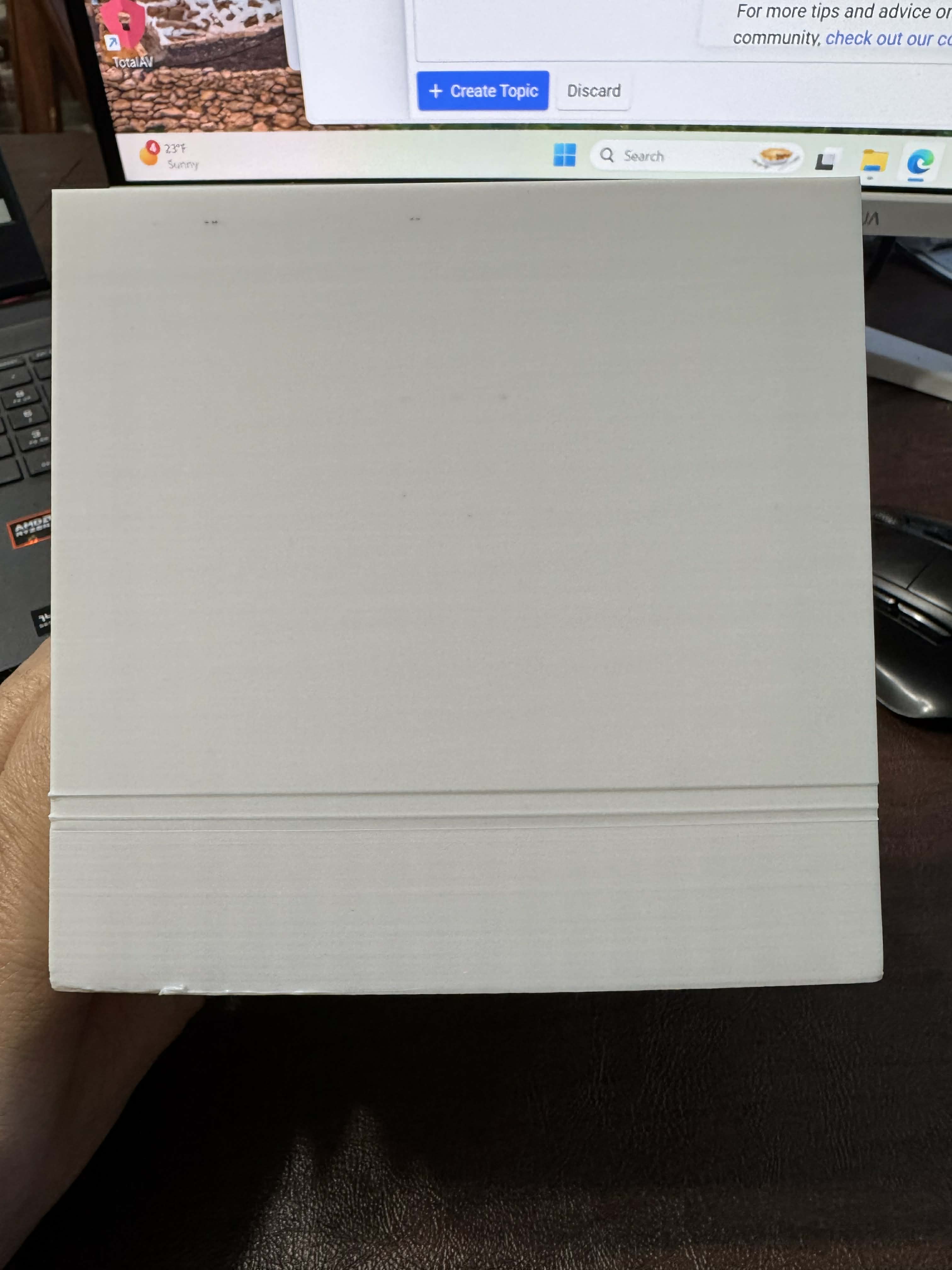
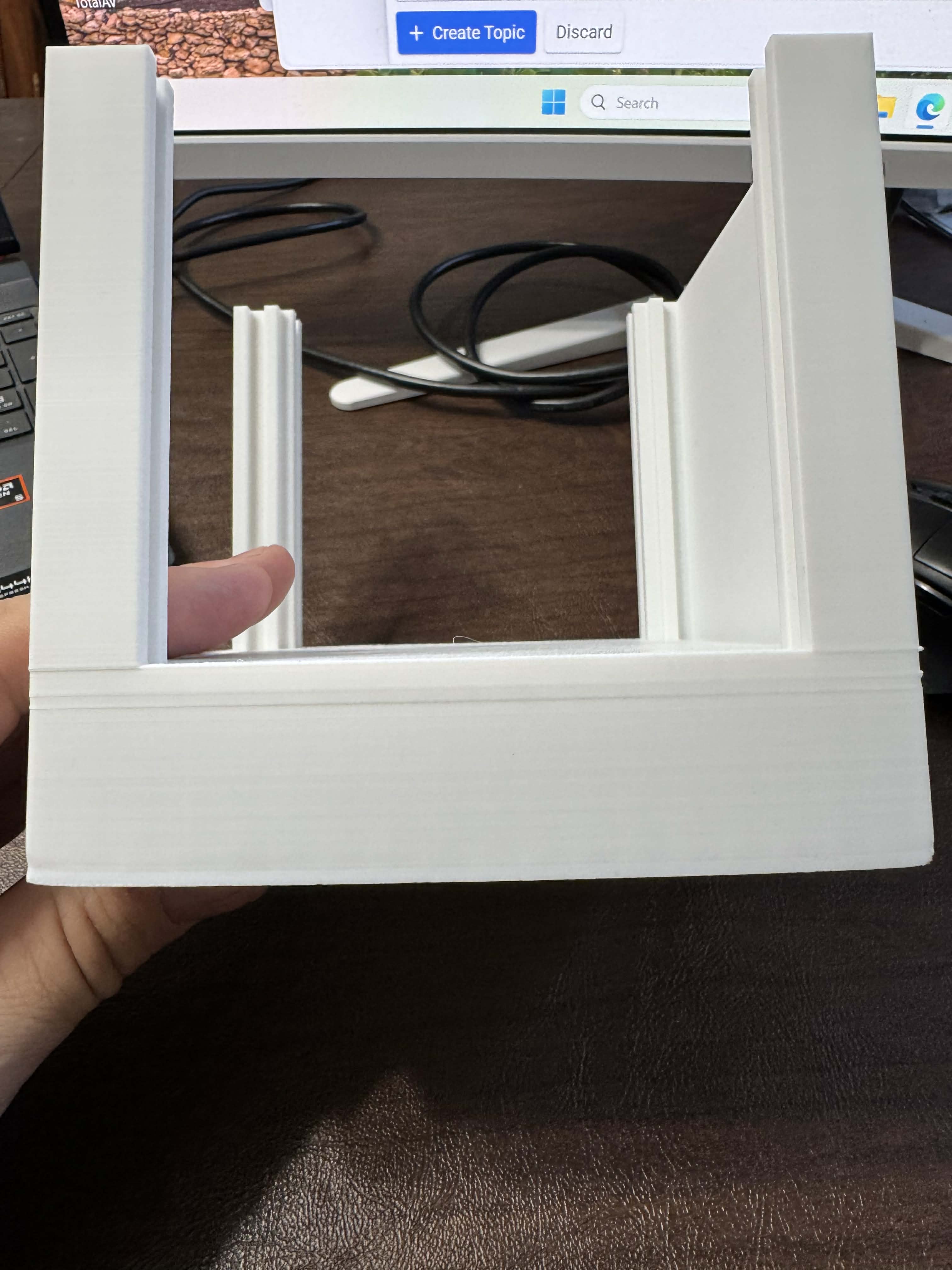
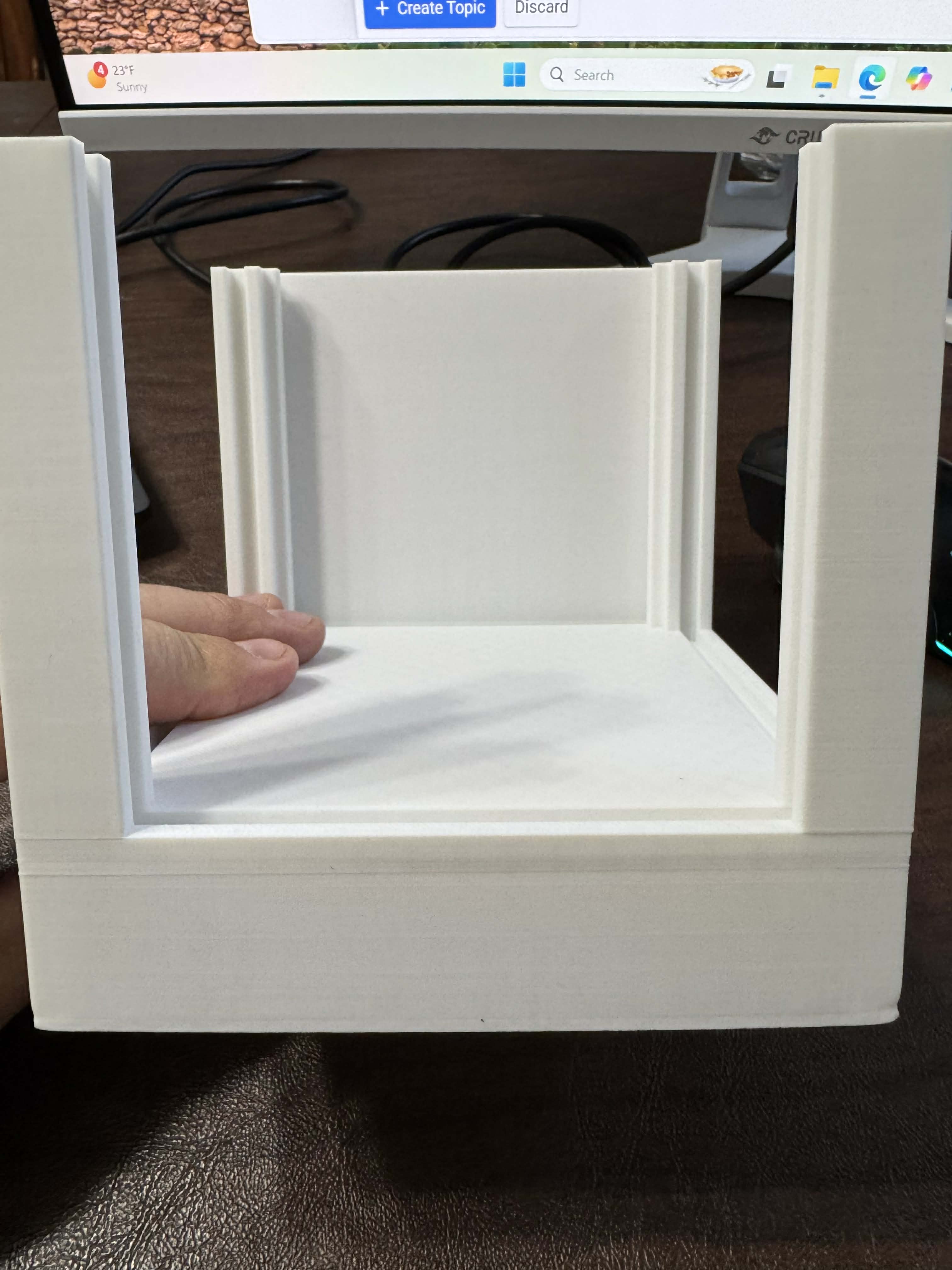
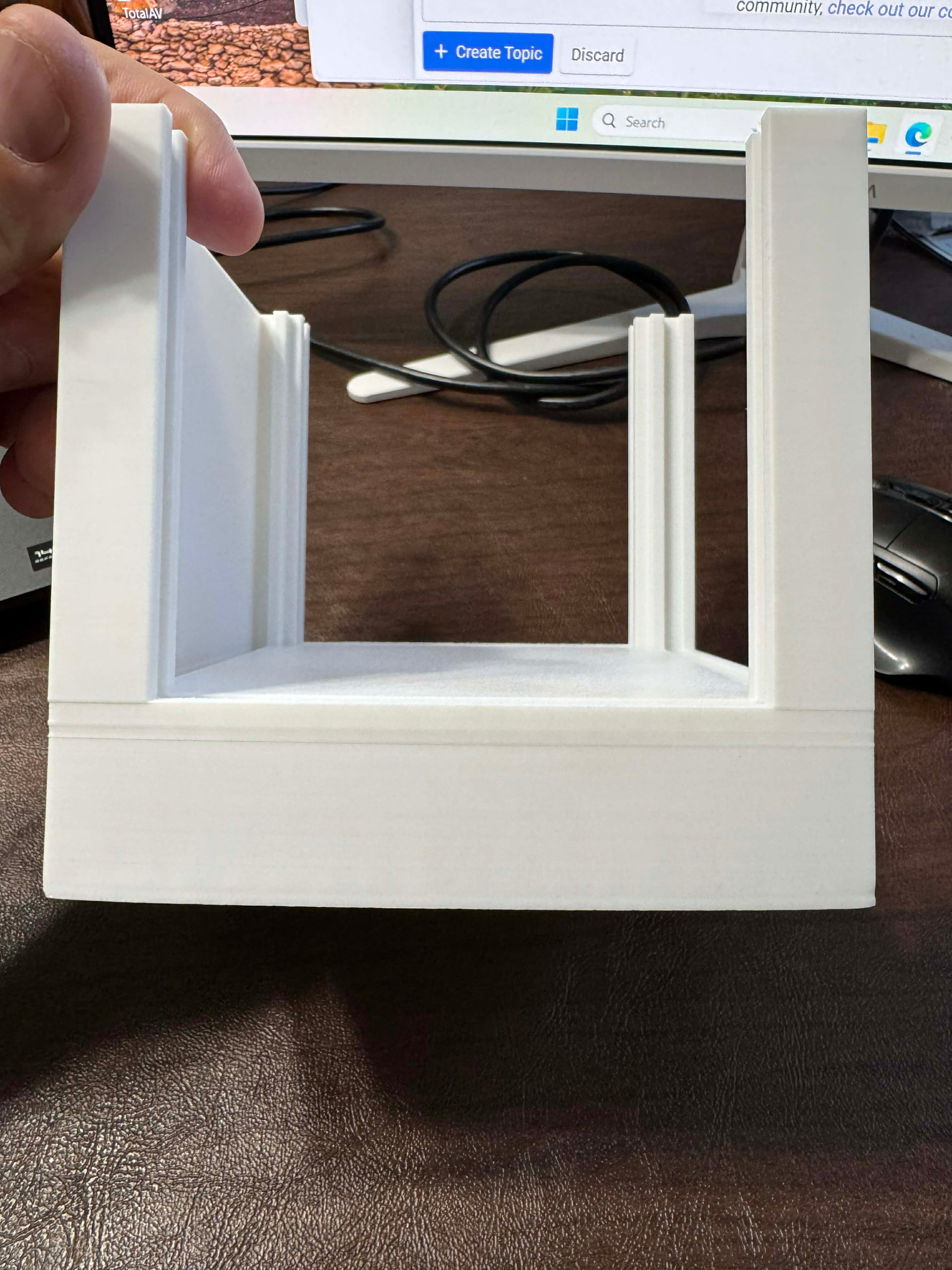
Warping can be caused by many things. Some types of filament are worse then others and print shape can be another cause. Long thin prints are the worst for warping. The only cure is to use a brim and if that doesn’t work then “mouse ears” on the corners, make then large. Look under “Others” and then brim (if you are using Prusa, Bambu Studio, Orca or Creality Print, I don’t know where it is under Cura.) Mouse ears are large circles, like a brim but only on the corners, set the width to something like 20. If that doesn’t work then applying something like glue (Elmer’s safety glue or Dollar store equivalent) or some propriety substitute to the bed, that usually works.
As for the lines, do you mean the large ones under the open area near the bottom? They can be caused by the shape of the print and it is just something that happens. Sometimes changing the print shape will help. If you are referring to the lines under those that is layer line artifacting and difficult to deal with. Make sure that the “wall print order” is set to “Outer/Inner” under Quality/walls and surfaces. That usually helps give a better finish on the layer lines.
Maybe someone else can add to this.