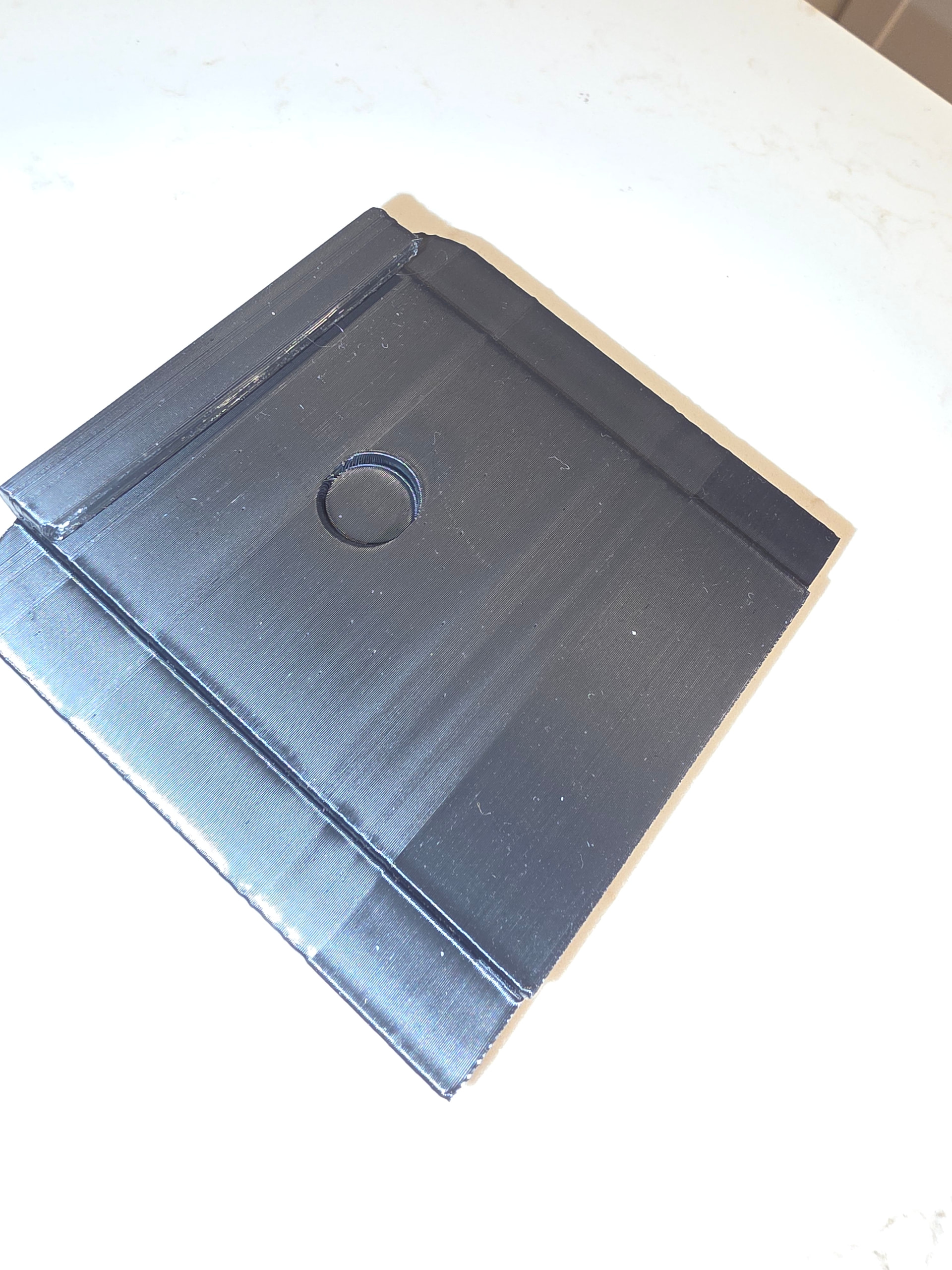
So I finally got this model right but not quite sure how to print it. A magnet will go on it but that lip needs to be stronger. Just dont know what happened with the layer lines. Does it matter that I was printing other things with it?
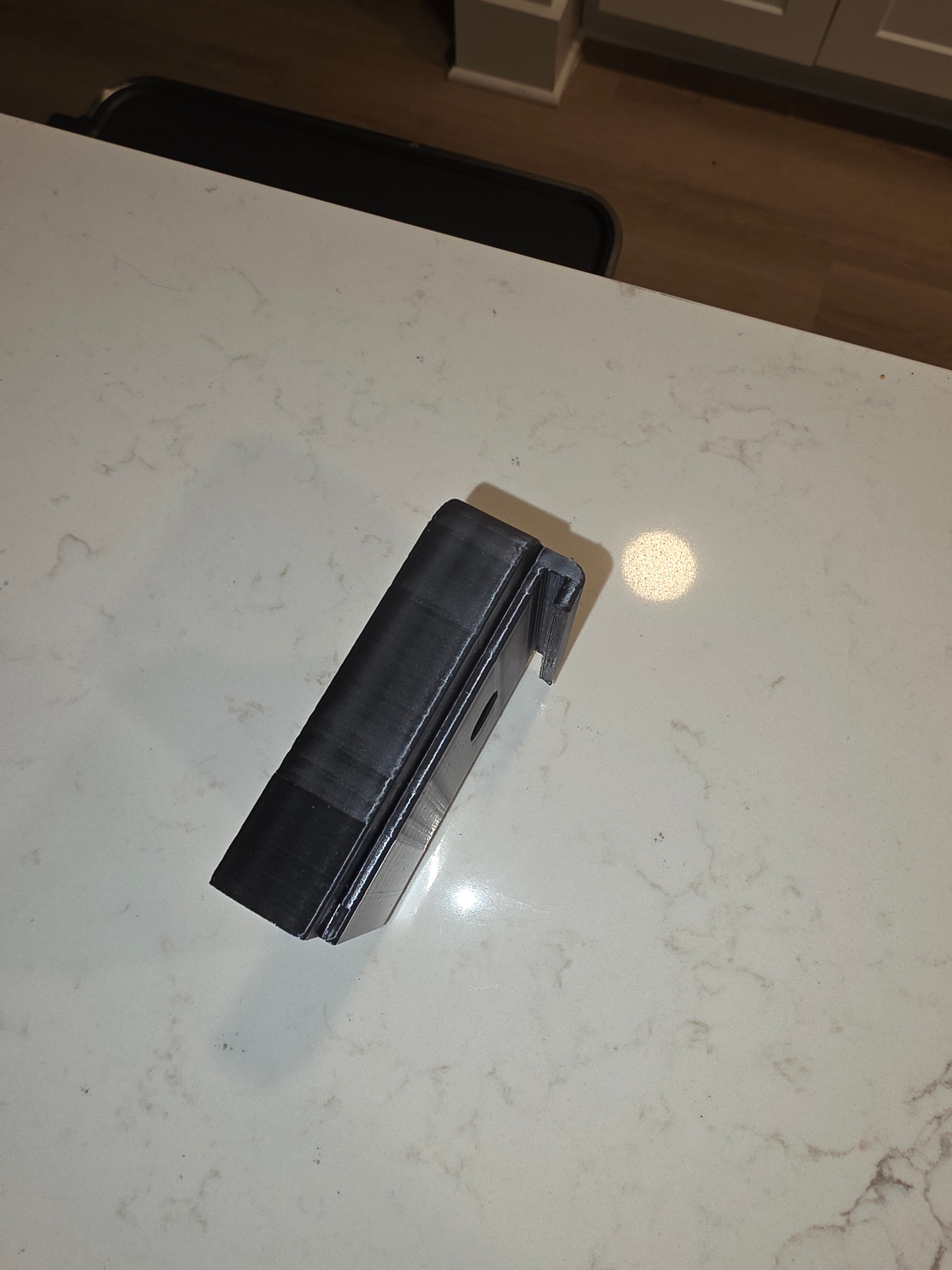
Why not print it with the “hole” facing up?
Layer lines are a fact of life, you can minimize them, finer print layers but longer print times but not eliminate. As far as the change in appearance there are things that affect this like printing around embossments, holes etc. For some reason when you print past something like that it changes the layer line appearance.This looks like something systemic has changed in the print to give it such a difference in the lines.
I dont know how the supports would work for the lip if its facing upwards. Also the supports underneath would be a nightmare for me to get off. I haven’t had luck getting the right settings yet for clean removal
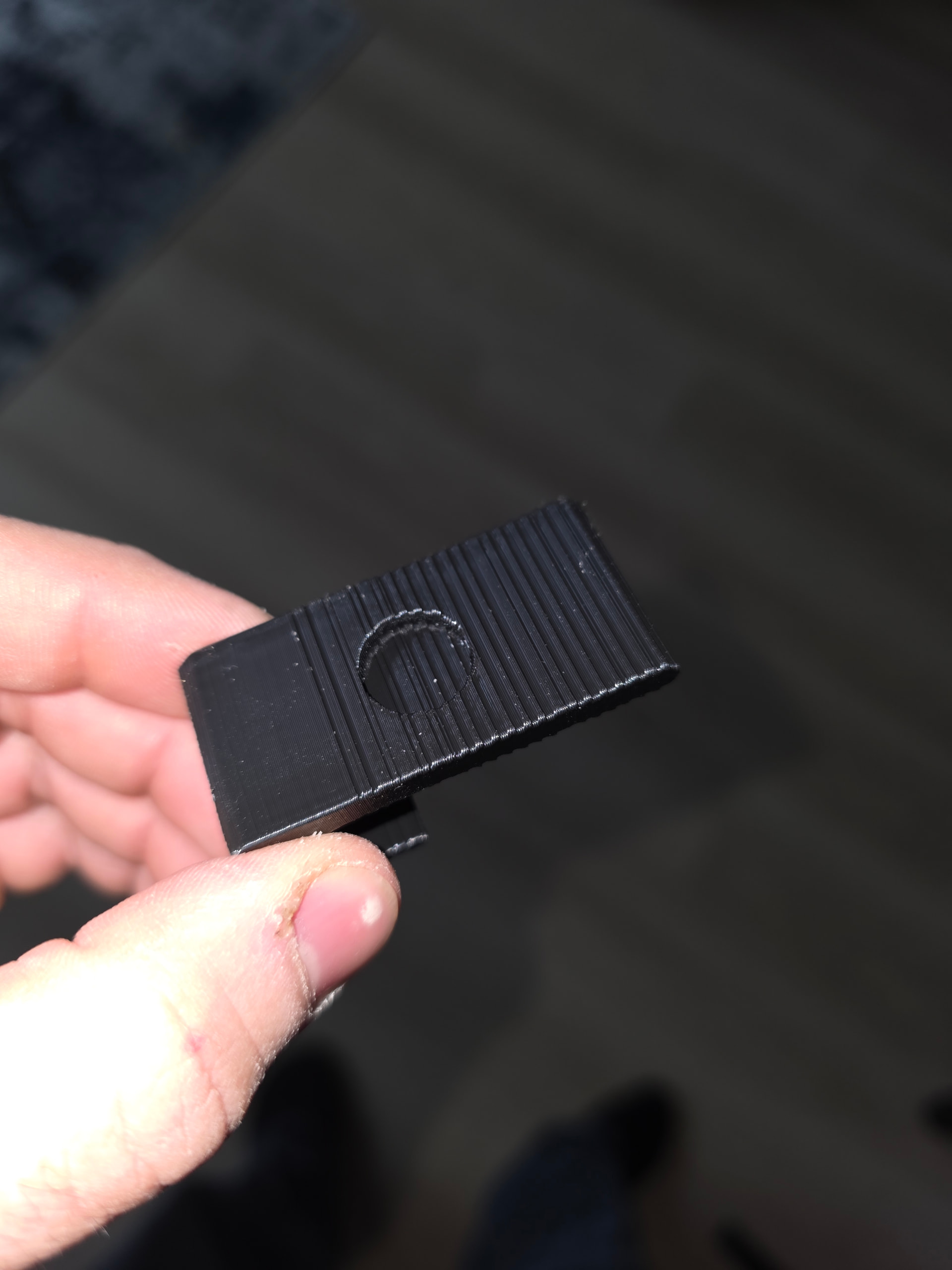
I have never seen a print like that before. It isn’t just the top surface either, you can see it on the bottom of the circular indent. It might be something wrong with the STL file or a bad slice. Try doing it over with a different slicer.
Ok ill try that. Thanks
Could your hot end temperature be fluctuating, perhaps due to a bad thermistor? Can you track it somehow?
The last picture shows something more serious then layer lines.
The hot end is only a couple months old and it just started happening. All the prints before were perfect
I printed the same file on my flsun and it came out perfect. I checked the belts and everything to make sure nothing was loose. I dont know what else it could be.
Missed what sort of printer is giving you the issue - I had some odd artifacts popping up in my prints and then slowly with increasing frequency, my prints would fail above a certain height.
The problem wasn’t observable to the naked eye, but eventually, I got into doing a continuity test of the ribbon cable going to the carriage holding the extruder/print head. I found several lines not providing good continuity.
It turned out that the cable was ripping itself off due to a sharpish edge behind the cable, and when it was as far to the right (X=300mm) from the left where the cable exited the chassis.
The tear was hidden under the pretty black fabric tape used to hold the nylon wear webbing/sheath in place just before the female cable connector. an extra centimeter of cable would have prevented this, but, no, that’s not how it was made.
I got slightly similar visual banding at that specific height but only for about 1 mm if that, on large prints that needed nearly the full 0 to 300 mm x-axis travel.
Your banding is semi regular, but also not. Given it’s mmm say 1.5 cm up from what I think is the bottom, I’d say clean your leadscrews top to bottom, a bit of fresh lubricant wouldn’t hurt to try, check your cables aren’t loose, there’s solid continuity to the motors, extruder, etc.
These are just best guesses in the absence of other information - I hope they help get you closer to solving it.
Thank you for the advise. Ill definitely be doing that. That print was on my anycubic kobra 3 max
start here: Kobra 3 Max-The model shows layer shift troubleshooting | Anycubic Wiki and perhaps open a ticket with them? I think their support page is about as stellar as Creality’s. 
Try printing another object like a simple cube and see if the problem persists or goes away.
So quick update. I bought a new laptop and made my anycubic slicer program run much better. I did the same print and it came out better, just have more consistent layer lines but they are not as pronounced as the other prints were
Make sure that in the settings the print order is set to “outside first”. You will get better layer line finish.
Ok. I didnt notice. Ill look at it next print