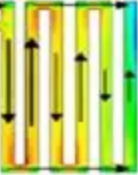
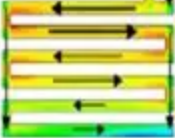
I think most slicer software can do this by means of 100% infill. But can it be done without infill, directly operating on shell layers ? and if it can, will there be any differences between the two techniques ?
If you look at the top/bottom shells you can set the surface patterns beyond that you are probably stuck with the infill direction alternation. If you look at a sliced model and move the layer slider up and down (check the bottom layers) you can see the patterns on the different shell layers. They do show an alternating layer direction that you wanted.
Welcome to the forum, Hope we see you back here often. Its great place to post questions like this for people just getting into 3D printing. Hope you find it usefull.
I agree with Loosenut above.
You are really limited by the slicer. In theory your thought process is sound. Each layer should be placed at 90deg angles to each other for max strength. For even more strength you can increase the top and bottom # of layers.
Different slicers do have different options for this. Check out our slicers thread in case you are not familiar with all the options you have available. there are many out there however they will all have similar options mostly they are called something different almost for each slicer.
Hope this helps you out, Look forward to seeing what you print!!!